




Spingranny Login
Already joined Spingranny? The Spingranny login is the regular way to return to your player profile on future visits. New users can create their profile separately before using the casino as registered players.



Spingranny Registration
Registration gives you access to the personal features of our casino and creates the basis for real-money play after verification.
Once registration and verification are complete, you can:
- play eligible casino games with real funds;
- make deposits and request withdrawals;
- check your current balance and transaction history;
- use bonuses and promotional features available to you;
- manage personal settings and responsible gaming tools.
Each player can register only one profile at Spingranny. If you already have one, use your existing login details instead of signing up again.
How to Set Up Your Spin Granny Account
Creating your profile takes two short steps.
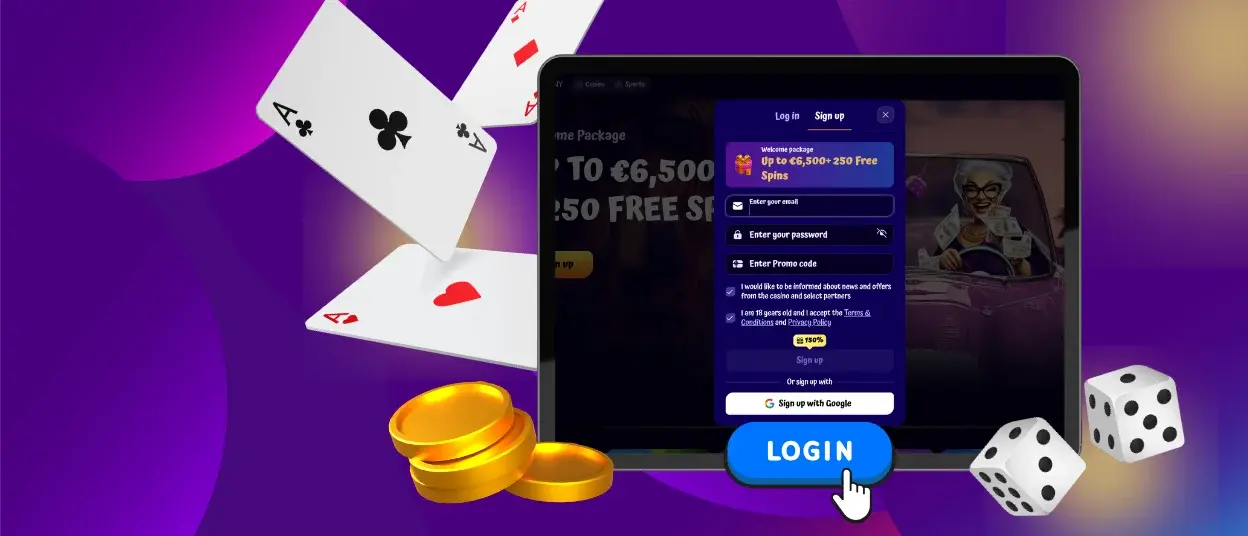
First, select “Sign Up” on the Spingranny website and complete the opening form:
- Enter your email address.
- Create a password.
- Confirm that you accept the Terms and Conditions.
- Click “Sign Up”.
A second window then asks for your first name, last name, date of birth, and phone number. Review the information you entered and click “Save”.
Once these steps are complete, your registration is finished and your player profile is created.
Spingranny Login and Account Management
Returning players can sign in by selecting “Log in” and entering the email address and password used during registration. After the Spin Granny login is complete, you can access the sections connected with your player profile.
The personal area is where you handle most actions related to your casino activity. Depending on what you need at the time, you can:
- review your balance and recent transactions;
- open deposit and withdrawal sections;
- check bonuses and their current status;
- update eligible contact details;
- manage available security and responsible gaming settings.
These sections have practical uses during regular play. Changes to some contact details may also be available directly from the personal area. Your Spingranny login details remain the same when you switch between supported devices.
Keep your login details private. If you use a shared device, do not save the password in the browser and sign out after your session.
Common Spin Granny Login Problems
Most sign-in problems have simple causes. An old password may still be stored in your browser, the email address may contain a typing error, or autofill may enter details that you no longer use.
Before contacting our support team, check a few basic points:
- enter the registered email address manually;
- make sure there are no extra spaces or spelling errors;
- confirm that you are using your current password;
- reload the official Spingranny website if the page does not respond normally.
If you still cannot sign in after checking your email and password, use the situation closest to what you see on the screen.
| What happens | What to do |
| Your password is rejected even though the email is correct | Use password recovery and set a new password |
| You cannot confirm which email you registered with | Check the inboxes you normally use for messages from Spingranny or contact support |
| The login form does not work correctly on your current device | Refresh the page and try again without saved form data |
| You still cannot access your profile after recovery | Contact our support team so we can check the issue |
Forgot Your Password?
If you no longer remember your password, use the recovery option in the login area. Enter the email address connected with your Spin Granny registration and follow the instructions sent to that mailbox.
If the recovery message does not appear, check that you entered the correct email address and look in your spam or junk folder. Once you set a new password, update any saved login details in your browser so it does not keep entering the old one.
When you reset your password, choose a new one that you do not use elsewhere.
Verification at Spingranny Casino
Spingranny requires verification before you can play with real money. We use this check to confirm your identity and make sure the details in your profile are correct.
You will see which documents we need in your personal area. Before sending them, check a few simple points:
- make sure the full document is visible;
- check that the text and photo are clear;
- use documents that match the details in your Spingranny profile;
- make sure the document is still valid.
Our team reviews the information you send. If a document is unclear or incomplete, we will ask you to send it again. After we confirm your details, you can access real-money play at Spingranny.
FAQ
Can I log in before I complete verification?
Yes. You can access your player profile after registration, but Spingranny will not open real-money play until you complete verification.
Can I change my email address or phone number?
You can update eligible contact details from your personal area. Some changes may require assistance from our Support Team.
What should I do if I no longer have access to my registered email?
Contact our support team. We will need to confirm your details before we can help with access linked to that email address.
Why does Spin Granny ask me to sign in again?
A new login may be required after you sign out, close an active session, or return after some time. Enter the email and password linked to your existing profile.
What should I do if my personal details have changed?
Update the information available for editing in your personal area. If you cannot change a specific detail there, contact support.


